


Description
Product Overview
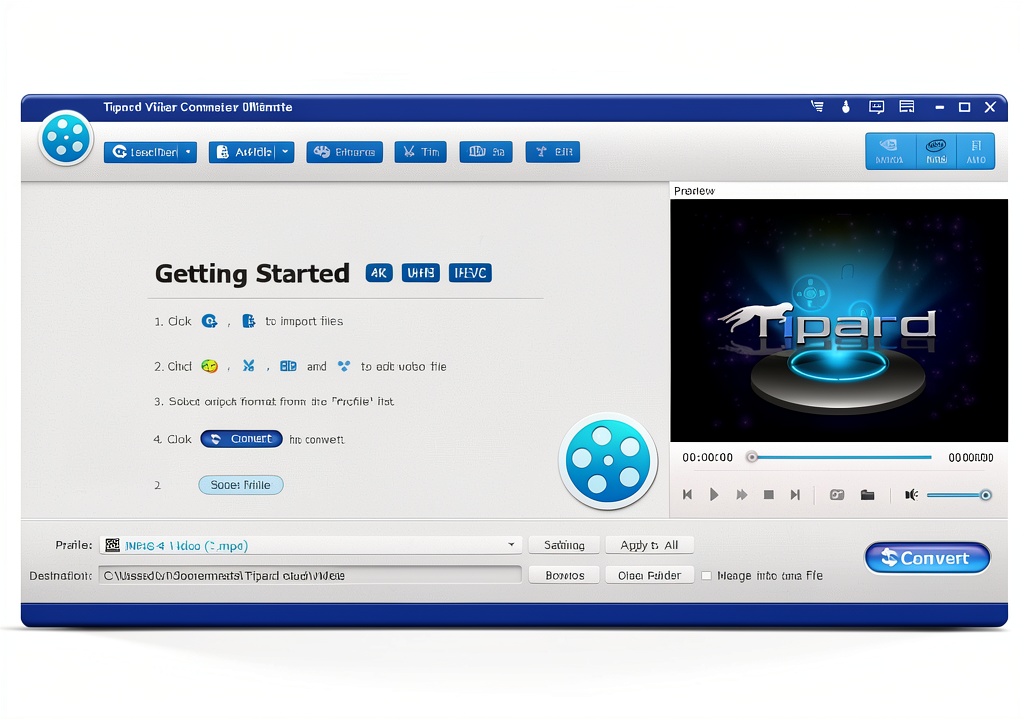
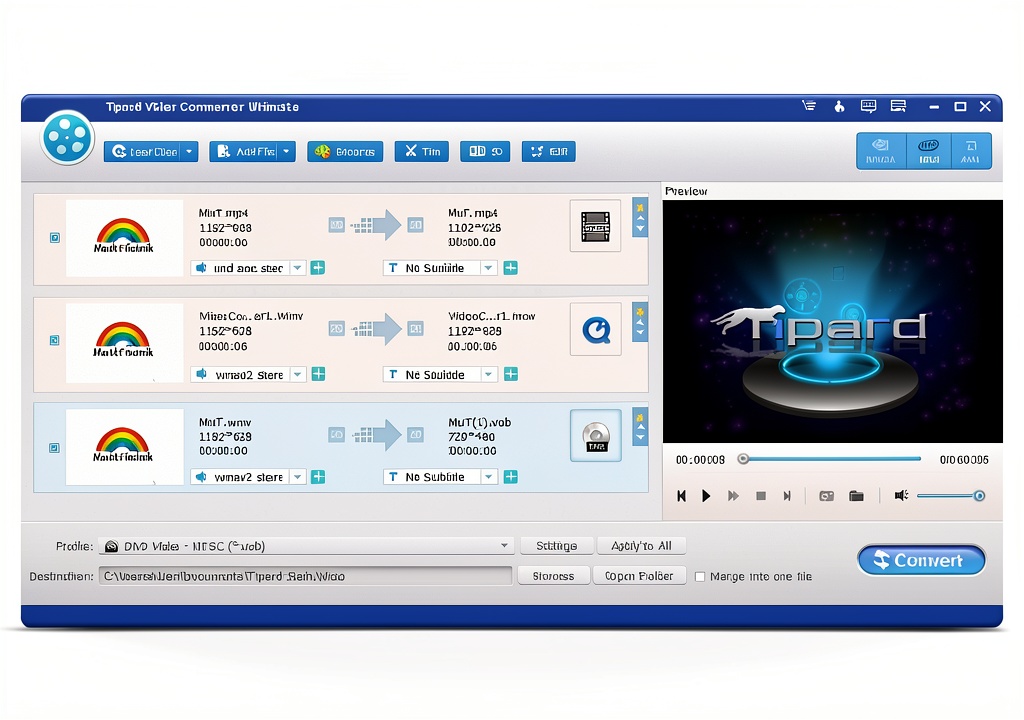
Markt+Technik presents a powerful video conversion and editing solution designed for Windows users. This software handles more than 150 output formats, ensuring compatibility with virtually any device or platform. It supports high-definition, 4K, and 3D video processing while maintaining original quality. Built‑in tools let you trim clips, add effects, and embed subtitles, all within an intuitive interface. Package dimensions are minimal as it is a digital download, and the program is continuously updated for Windows 7 through Windows 11.
Usage
Ideal for content creators, educators, and home users who need fast, reliable video conversion for presentations, social media, or personal archives. Whether you are preparing a tutorial for a classroom, uploading travel footage to a streaming service, or converting legacy media for modern devices, the software adapts to any workflow. 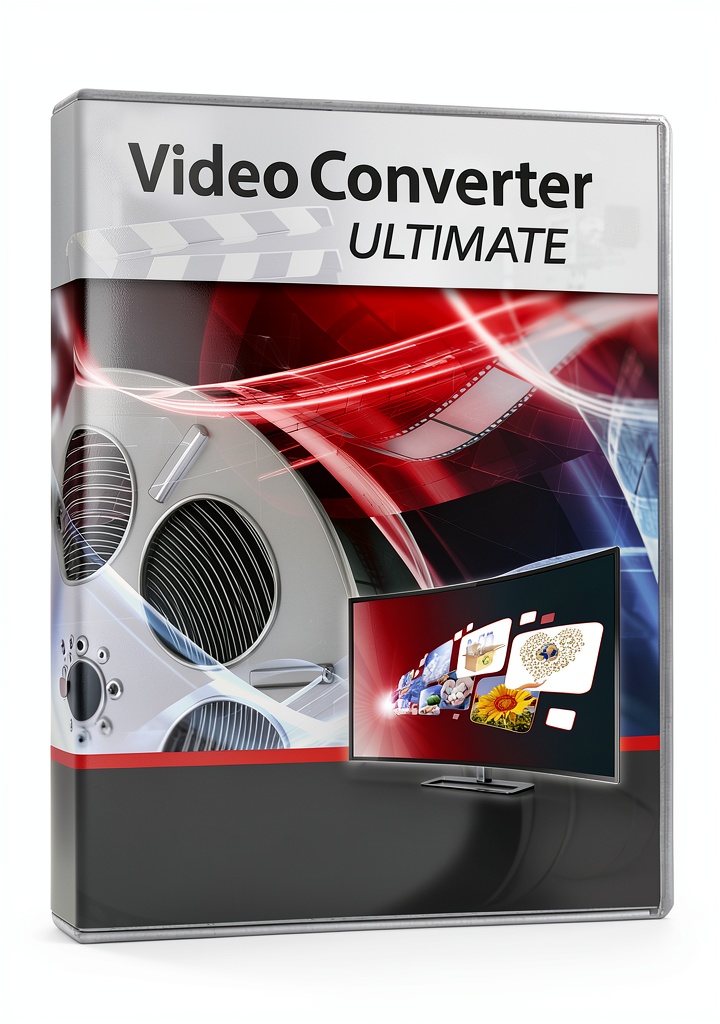
Why Choose Us
Markt+Technik combines decades of engineering expertise with a focus on user‑friendly design. The software delivers professional‑grade conversion speed without requiring advanced technical knowledge. Regular updates guarantee compatibility with the latest codecs and operating system releases, and a responsive support team addresses any issues promptly.
Key Features
- Convert to over 150 video and audio formats with a single click
- Preserve HD, 4K, and 3D quality while reducing file size
- Integrated editing suite: trim, cut, add effects, and embed subtitles
- Full compatibility with Windows 7, 8, 10, and 11
- Lightweight installation and fast processing using GPU acceleration
FAQ
Can I convert 4K videos without losing quality?
Yes, the software maintains the original resolution and bitrate of 4K source files, ensuring lossless conversion when the target format supports it.
Is the program compatible with older Windows versions?
It runs on Windows 7, 8, 8.1, 10, and 11, providing a consistent experience across all supported operating systems.
Do I need additional codecs to use all 150 formats?
No extra codecs are required; the software includes a comprehensive built‑in codec library that covers all supported formats.
How does the subtitle feature work?
You can import SRT or VTT files and sync them with your video, or manually add subtitles directly within the editor.
What is the typical conversion speed?
Conversion speed depends on source file size and hardware, but most standard‑definition videos convert in seconds, while 4K files typically finish within a few minutes on a modern PC.




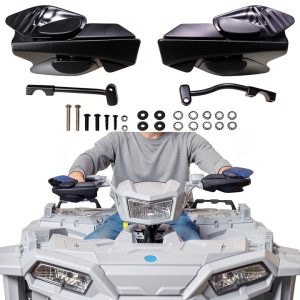 Polaris Sportsman Handguard SAUTVS YJLAMP ZP-YJ-030503-059 HDPE
  Hedman Power Steering Bracket for Ford
  XUTVOTOR Black Brushed Handguards for Polaris
  VEGAS Pro Suite 21 Video Editing Software Magix AI
Reviews
There are no reviews yet.