


Description
Product Overview
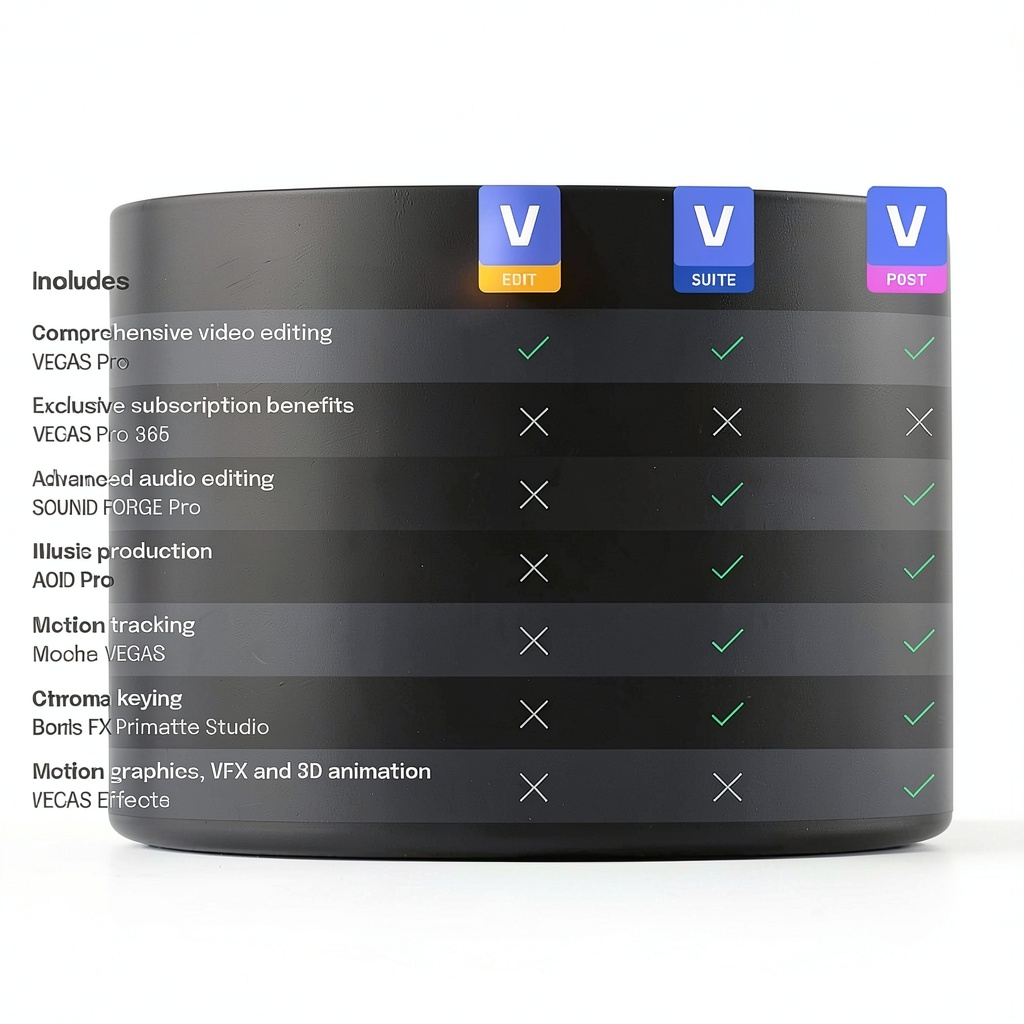
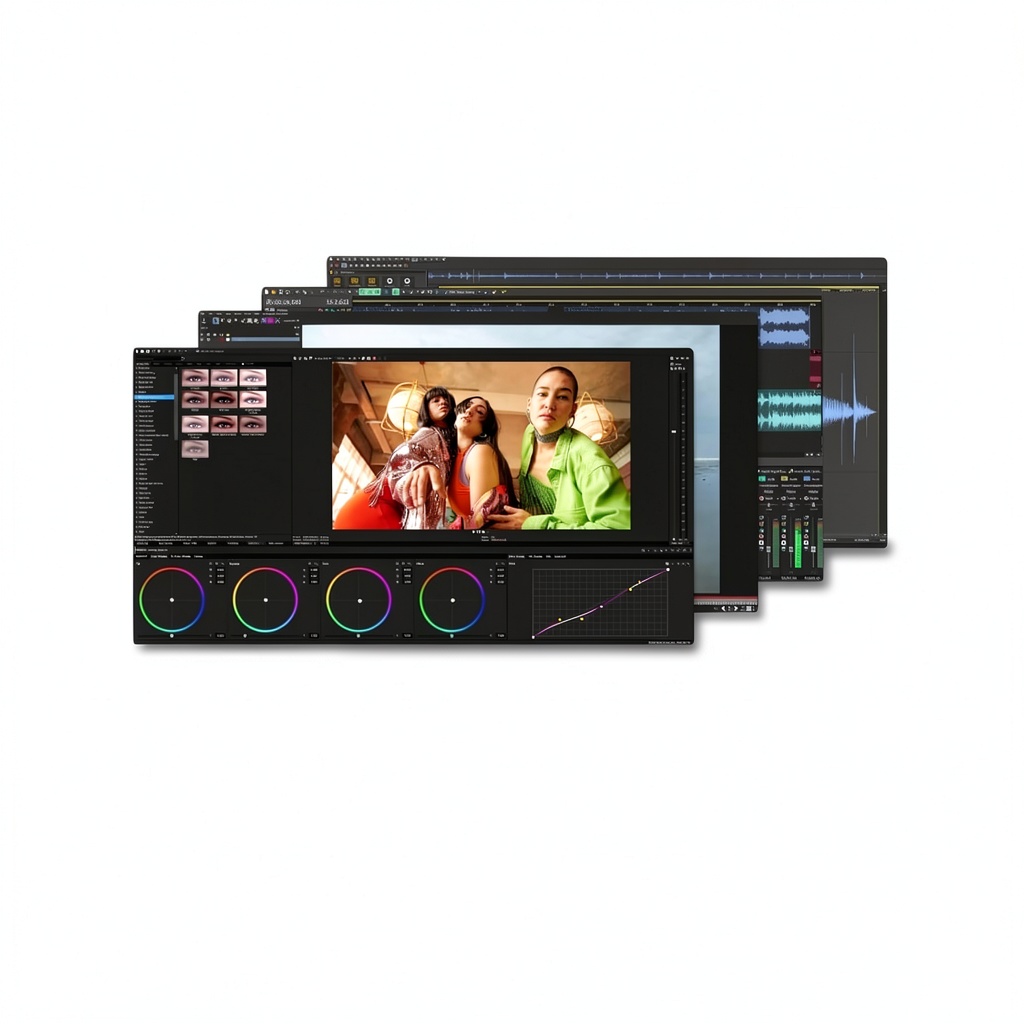
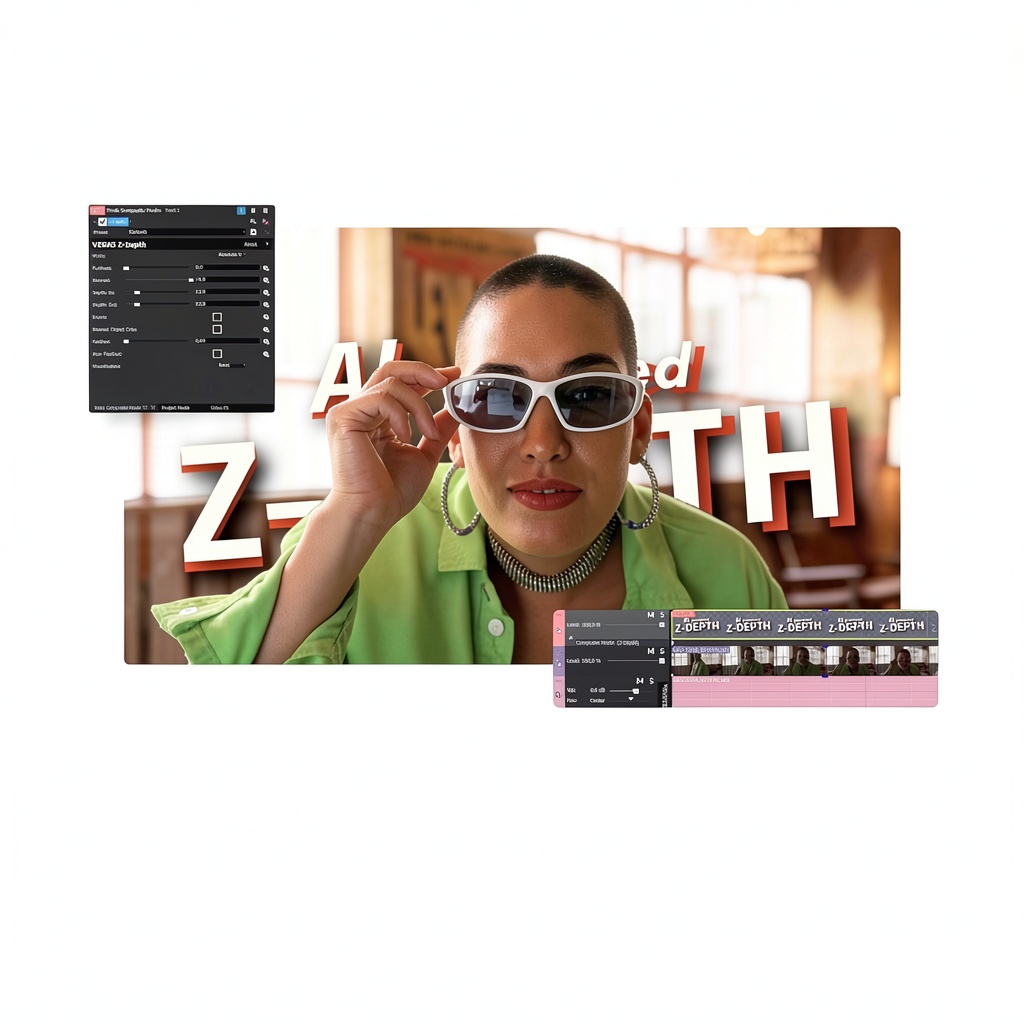
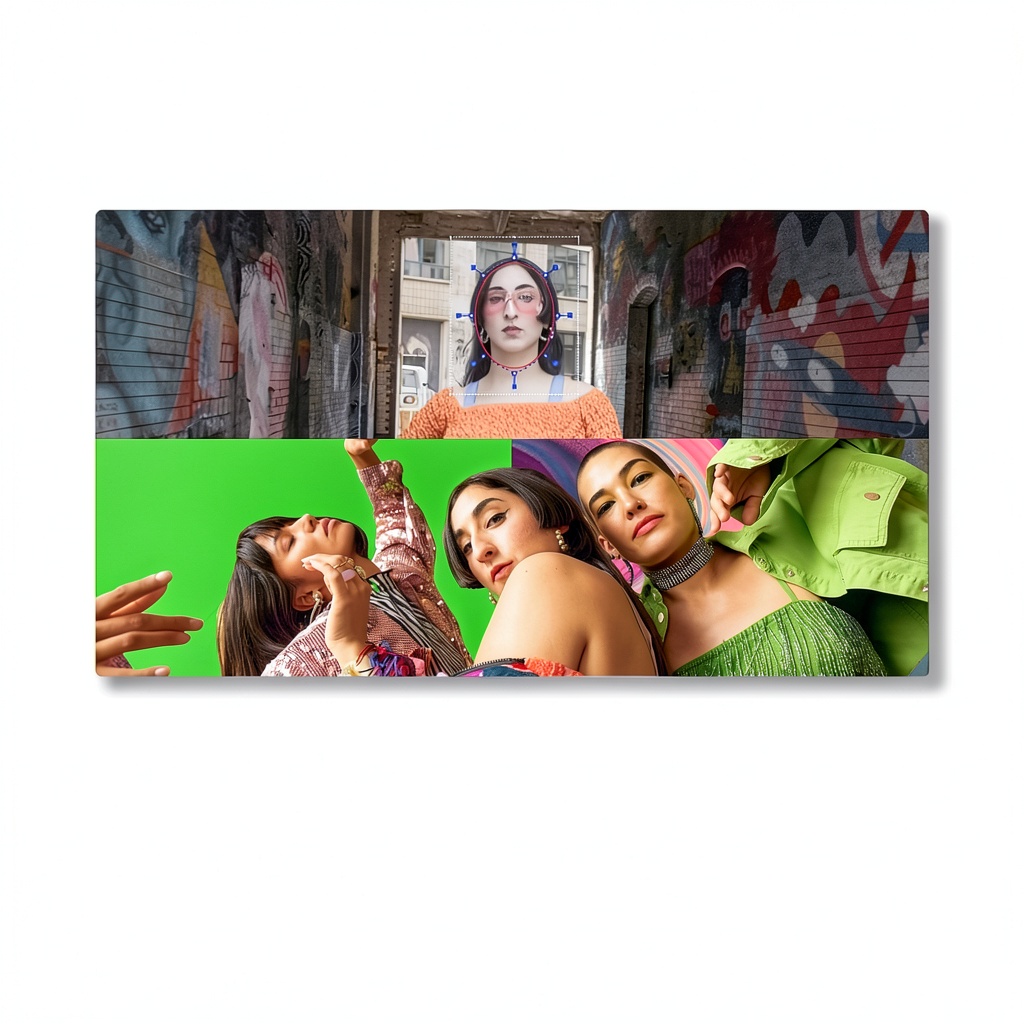
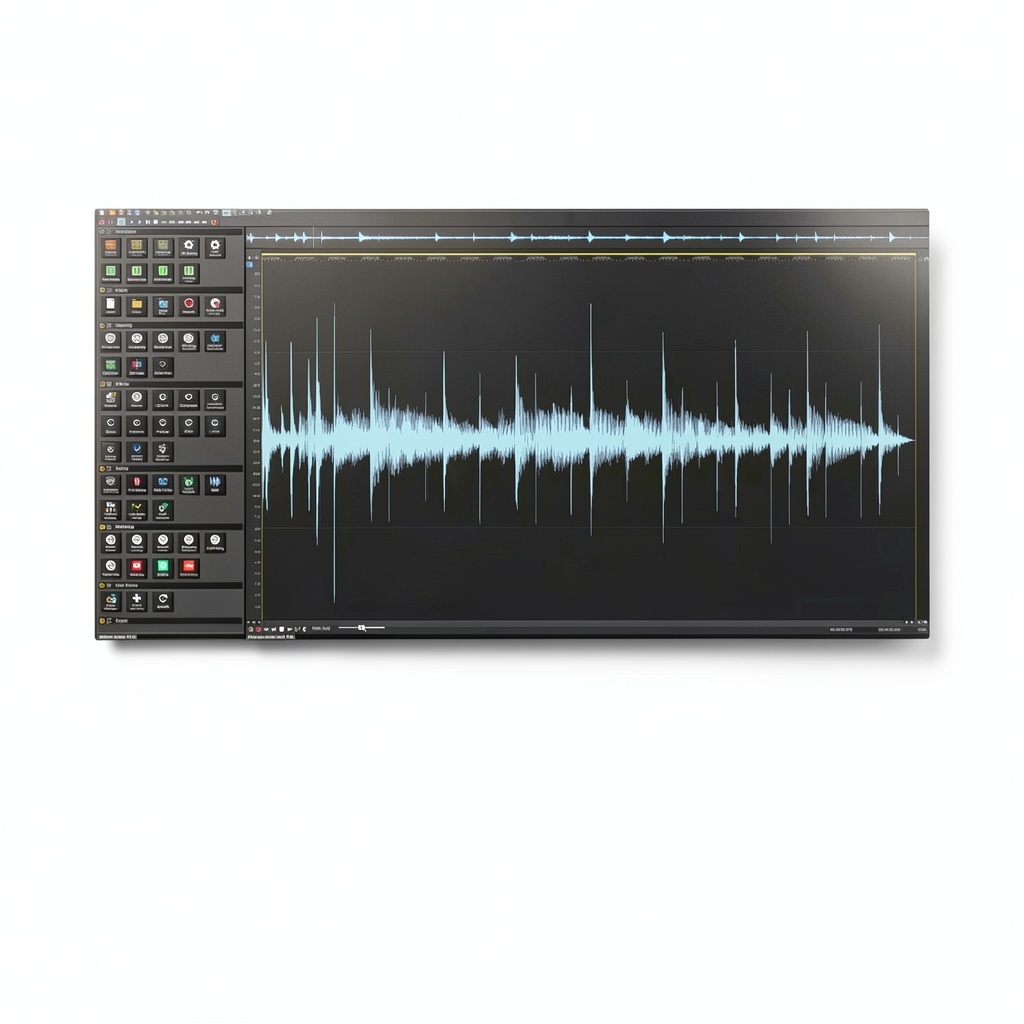
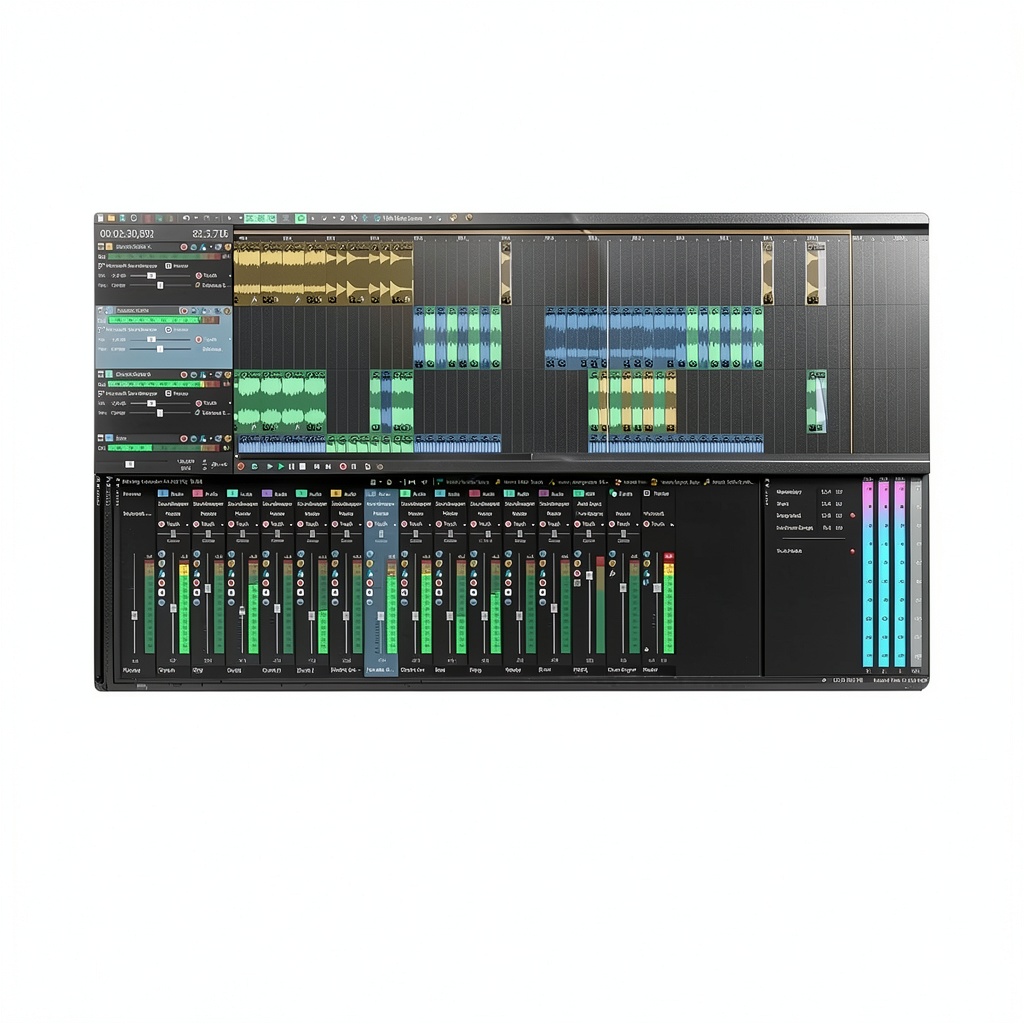
VEGAS Pro Suite 21 is a comprehensive video editing solution from Magix, designed for Windows 10 and 11. It bundles powerful AI-driven features such as Z‑Depth, Smart Mask, and HDR color correction, along with motion‑tracking technology from Mocha VEGAS and chroma‑keying from Boris FX Primatte Studio. The suite also includes SOUND FORGE Audio Studio and ACID Music Studio, providing a full audio‑production environment. System requirements call for a 4‑core CPU, 16 GB RAM, and an internet connection, ensuring smooth performance for 4K and HD projects.
Usage
Whether you are producing marketing videos, YouTube content, or short films, VEGAS Pro Suite 21 adapts to a variety of workflows. Its intuitive timeline and drag‑and‑drop interface let editors quickly assemble footage, apply cinematic filters, and fine‑tune audio tracks. The AI tools accelerate tasks like background removal and depth mapping, making it suitable for creators with limited post‑production time. 
Why Choose Us
Magix’s reputation for reliable, professional‑grade software backs VEGAS Pro Suite 21. The package includes premium third‑party plugins at no extra cost, reducing the need for additional purchases. Regular updates keep the suite compatible with the latest Windows releases and hardware advancements. Customer support is US‑based, offering responsive assistance for installation, workflow optimization, and troubleshooting.
Key Features
- AI‑enhanced tools like Z‑Depth and Smart Mask for rapid visual effects.
- Integrated motion tracking with Mocha VEGAS for precise object following.
- Professional chroma keying via Boris FX Primatte Studio.
- Full audio suite including SOUND FORGE and ACID Music Studio.
- Optimized performance on Windows 10/11 with 4‑core CPUs and 16 GB RAM.
FAQ
Can VEGAS Pro Suite 21 run on a laptop?
Yes, as long as the laptop meets the minimum specifications: a 4‑core processor, 16 GB RAM, and Windows 10 or 11.
Do I need an internet connection after installation?
An internet connection is required for activation and to receive updates, but you can work offline once the software is activated.
What video formats are supported?
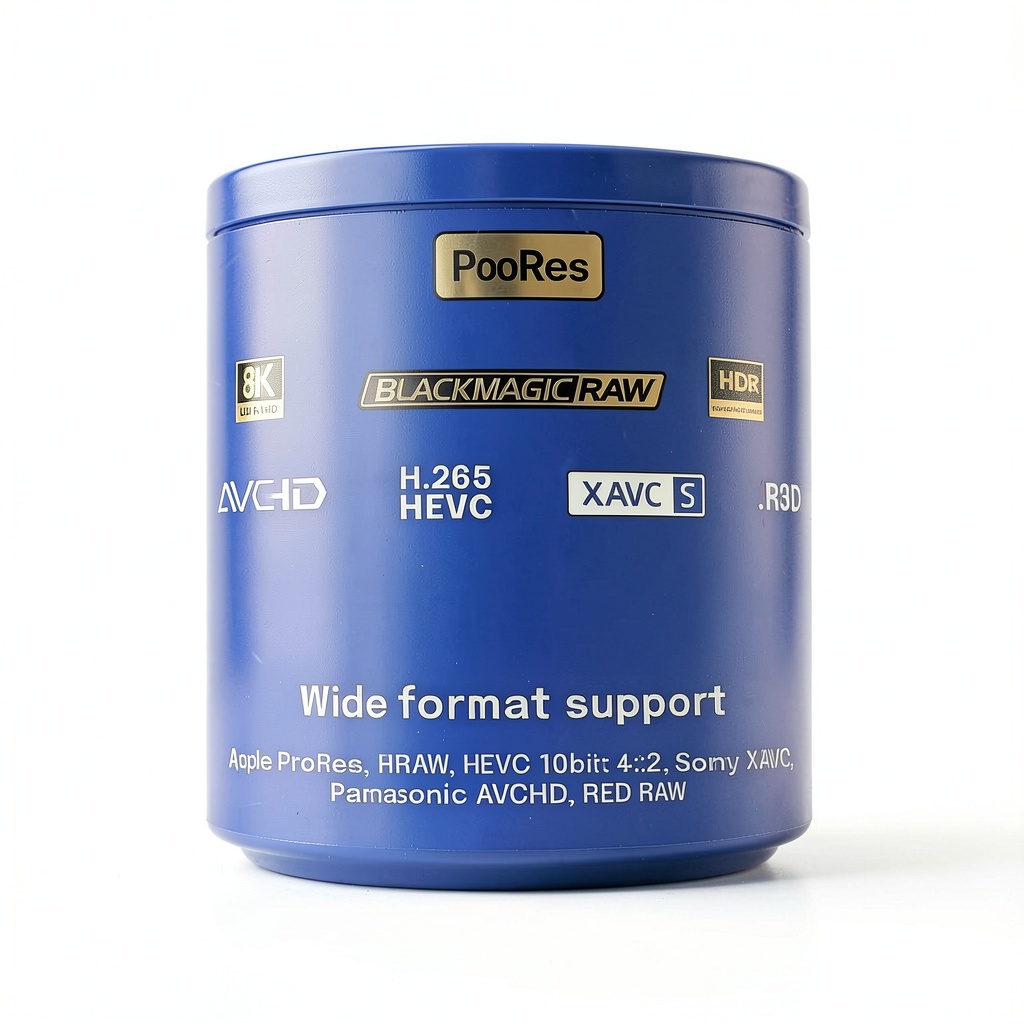
VEGAS Pro Suite 21 supports a wide range of formats, including MP4, MOV, AVI, MXF, and RAW camera files.
Is there a trial version available?
Magix offers a 30‑day free trial that includes all features, allowing you to evaluate the suite before purchasing.
How does the AI Smart Mask work?
Smart Mask uses machine learning to automatically detect subjects and separate them from the background, saving hours of manual masking.


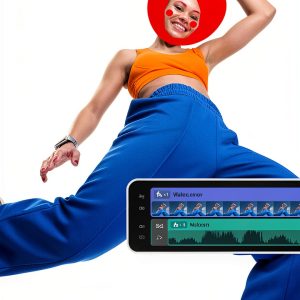


 Sony Video Editing Software Professional Video Production
 YouTube Video Downloader Markt Technik Software
 VEGAS Pro Edit 21 Video Editing Software by Magix
 MAGIX Video Editing Software for VHS Digitization
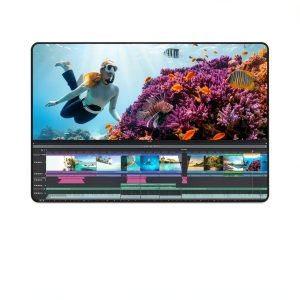 MAGIX Video Editing Software with AI Tools
 Jones Racing Products Auto Part PS-8001-SB-DS
 MAGIX Movie Studio Video Editing Fast Intuitive
 VEGAS Pro Suite 21 Video Editing Software Magix AI
 Tuff Stuff 6175AL-6 Power Steering Equipment
 Sony Video Editing Software Trial
 March Performance Power Steering Kit Machined
 KEMIMOTO Black Hand Guard Front Screw‑In for Rebel CMX 300‑1100
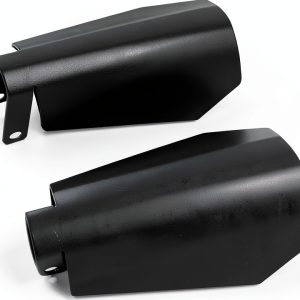 Handguards Vkinman Coffin Cut for 2007-2020 Harley Davidson Dyna
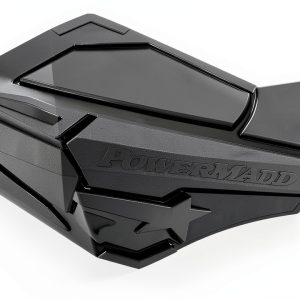 PowerMadd Handguard Sentinel 34410 Black/Black for Motorcycles
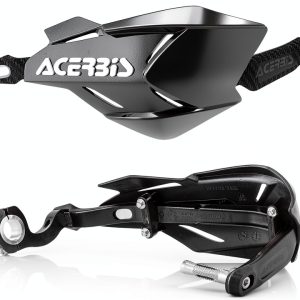 Acerbis X-Factory Handguards Black/Black – Aluminum Bar, 0022397.321
 Steering Flange Bearing Allstar Performance Align
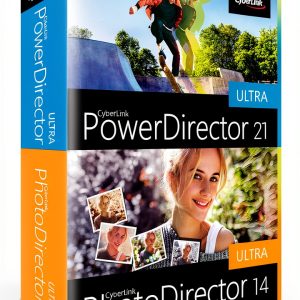 CyberLink Video Editing Software for PC
 Markt+Technik 4K Video Editing Software Suite
 Video Converter Markt+Technik Software 150 Formats
 muvee Video Editor Software Easy Fast Home Movies
 March Performance Powder Coated Wall Mount
 Tuff Stuff Chrome Keyed Shift Knob
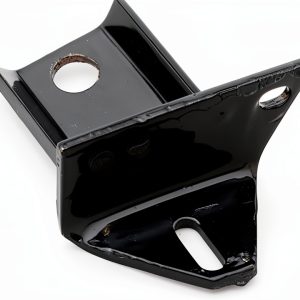 Hedman Power Steering Bracket for Ford
 Camtasia Screen Recorder by TechSmith Video Editor
 Video Editing Software VEGAS HDR Support Pro
Reviews
There are no reviews yet.