


Description
Product Overview
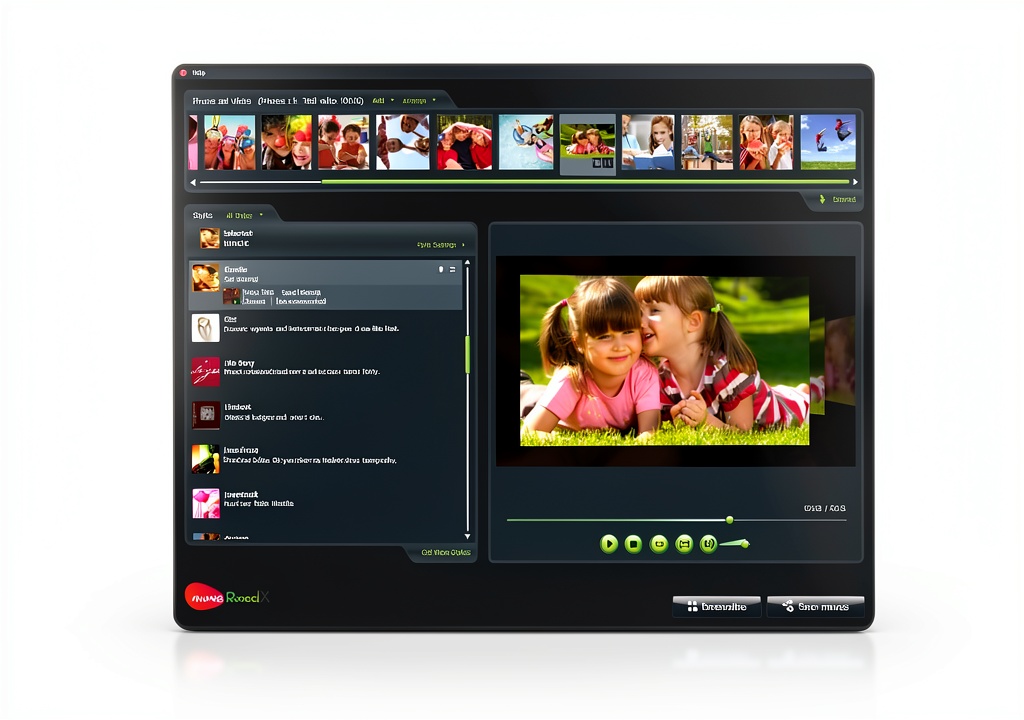
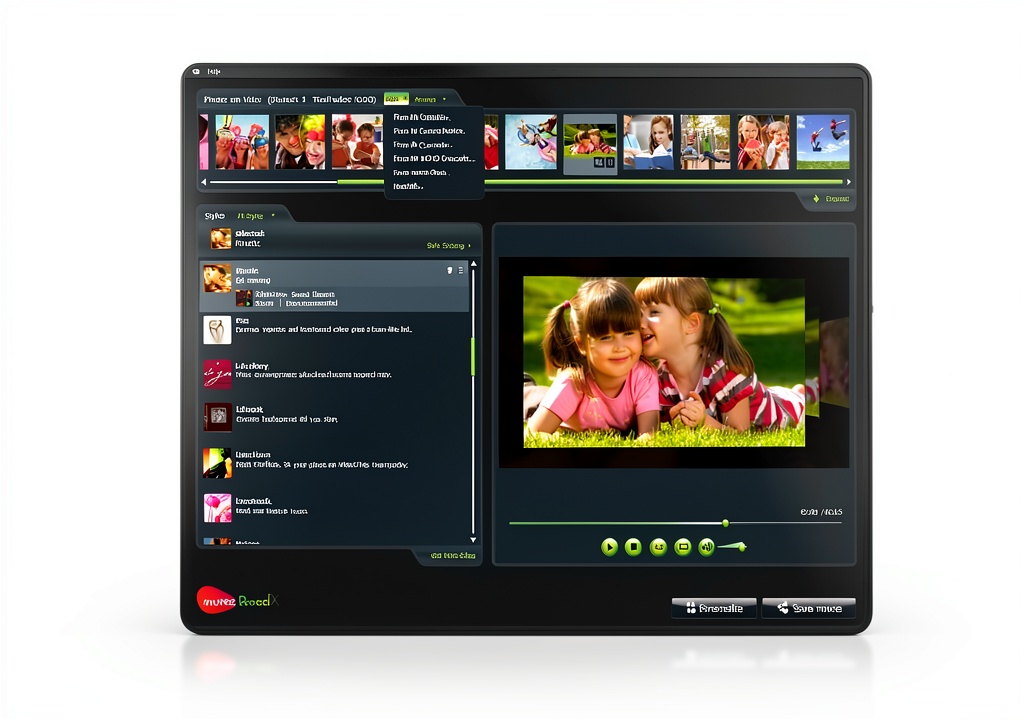
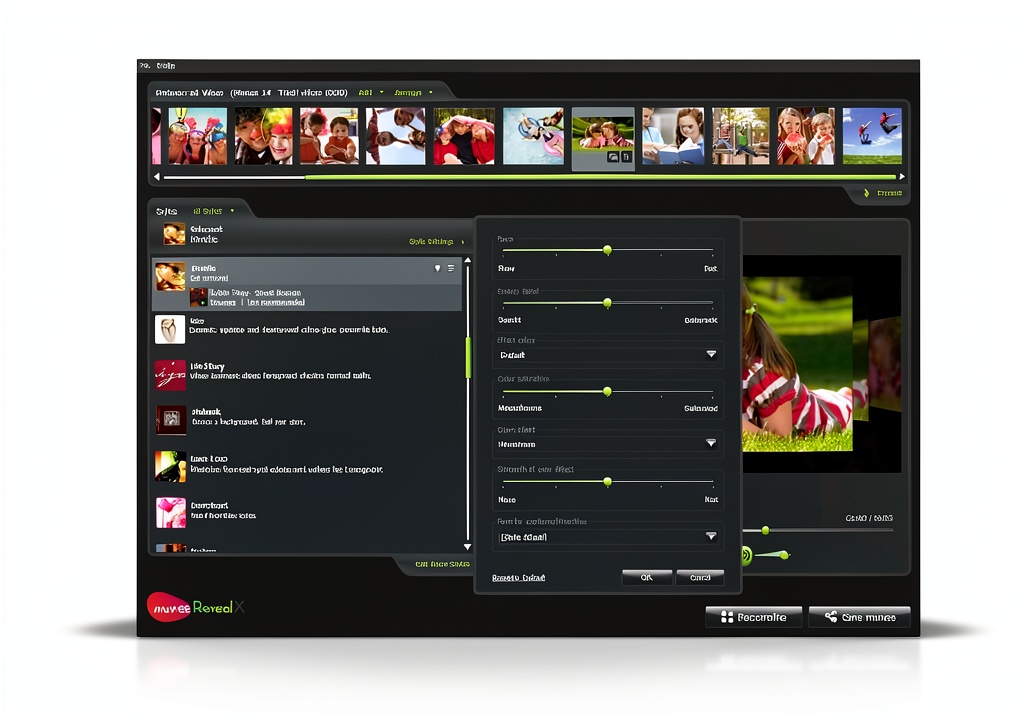
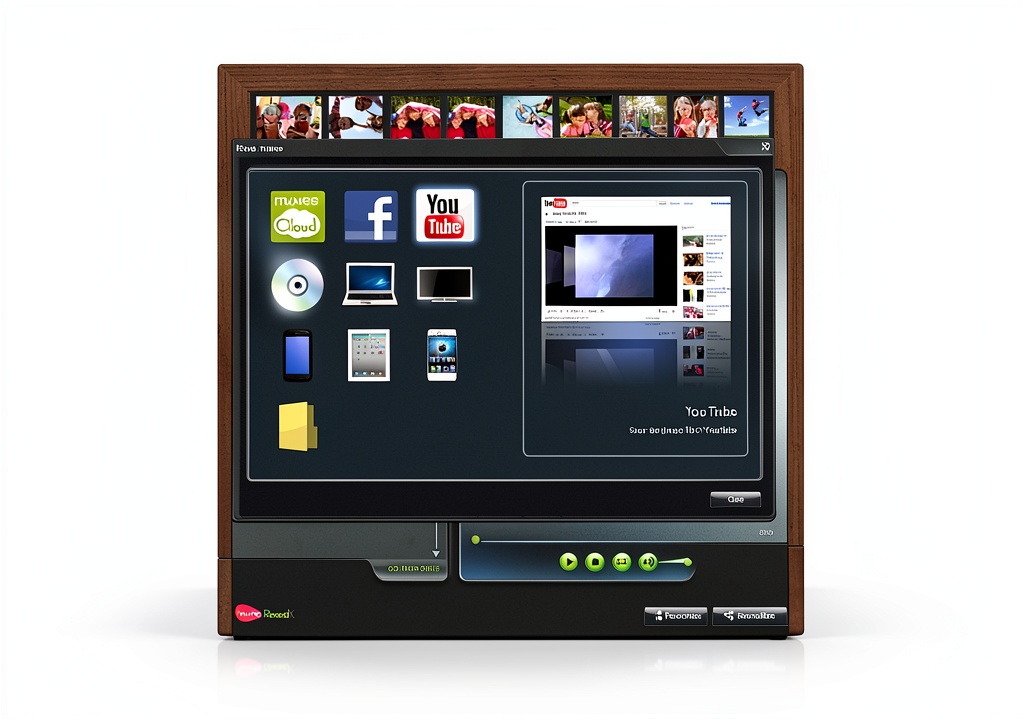
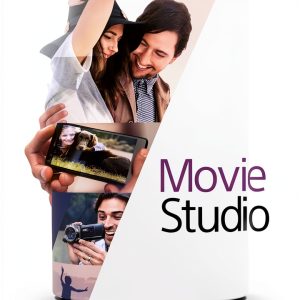
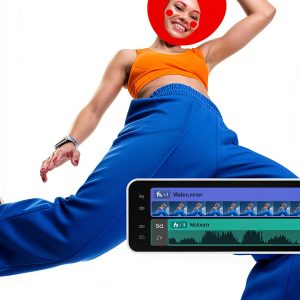
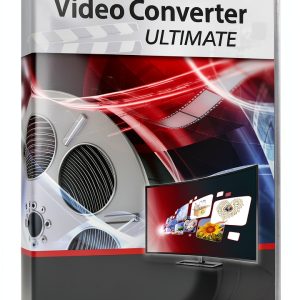
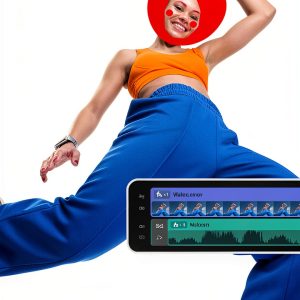
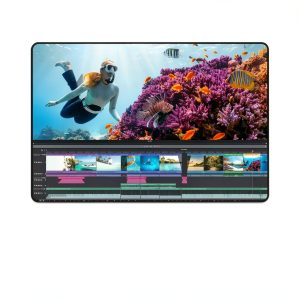
muvee Video Editor is a desktop software solution designed for quick creation of home movies and photo slideshows. It supports media from iPhone, Android, camcorders and DSLR cameras, automatically importing video clips and images. The interface guides users through three steps: import, edit, and share. Built‑in professional effects, transitions, text animations, and a royalty‑free music library enable polished results without additional assets. Export options include full HD (1080p) video files and direct upload to YouTube and Facebook.
Usage
Ideal for families documenting vacations, hobbyists producing YouTube content, and small businesses creating promotional clips. Users can assemble birthday compilations, travel diaries, product showcases, or educational tutorials. The software runs on Windows PCs and requires minimal hardware—any modern system with 4 GB RAM and a dual‑core processor. 
Why Choose Us
muvee combines ease of use with professional‑grade features. The three‑step workflow eliminates the learning curve typical of complex NLEs, while the extensive effect library ensures creative flexibility. Regular updates add new transitions and music tracks, and the direct social media publishing saves time. Customer support includes online tutorials and a responsive help desk.
Key Features
- Three‑step workflow: import, edit, share – perfect for beginners.
- Over 100 built‑in effects, transitions and text animations.
- Integrated royalty‑free music and voice‑over recording.
- Supports media from iPhone, Android, camcorders and DSLR cameras.
- One‑click export to full HD and direct upload to YouTube/Facebook.
FAQ
Can I use muvee on a Mac?
muvee Video Editor is currently available for Windows only. macOS users can run it via Boot Camp or a Windows virtual machine.
Do I need an internet connection to edit?
No, all editing functions work offline. An internet connection is only required for downloading updates or publishing to social platforms.
What video formats are supported?
muvee imports most common formats, including MP4, MOV, AVI, and common image types such as JPEG and PNG.
Is there a limit to the length of the final video?
The software does not impose a strict length limit, but very long projects may require more system memory and processing power.
Can I add my own music tracks?
Yes, you can import personal audio files in MP3 or WAV format and sync them with your video.

















Reviews
There are no reviews yet.