


Description
Product Overview
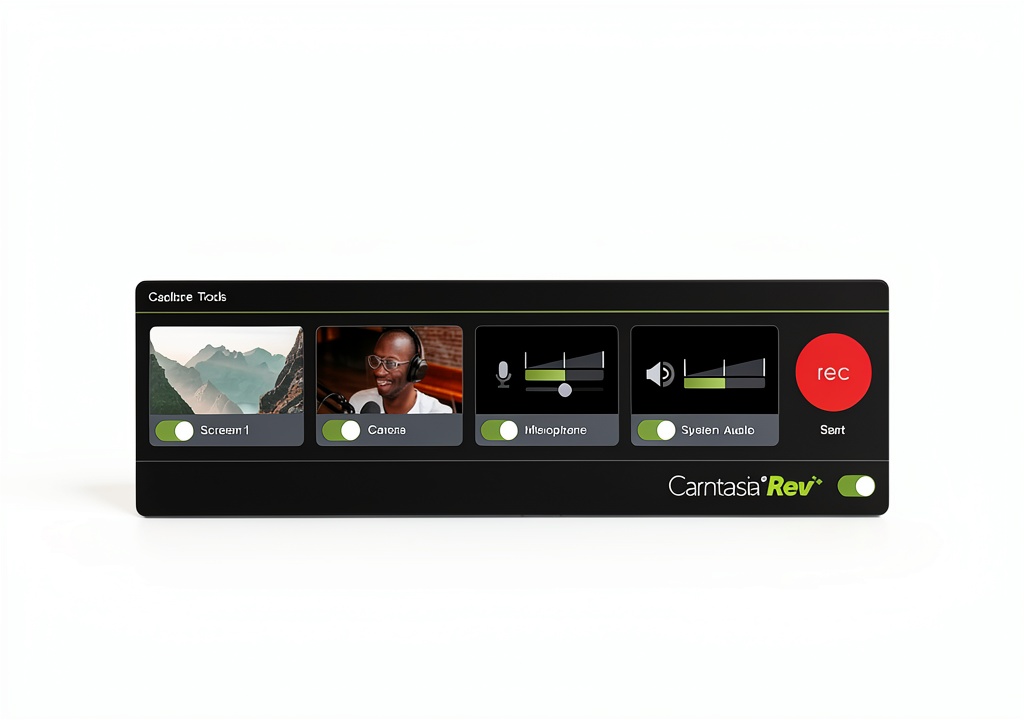
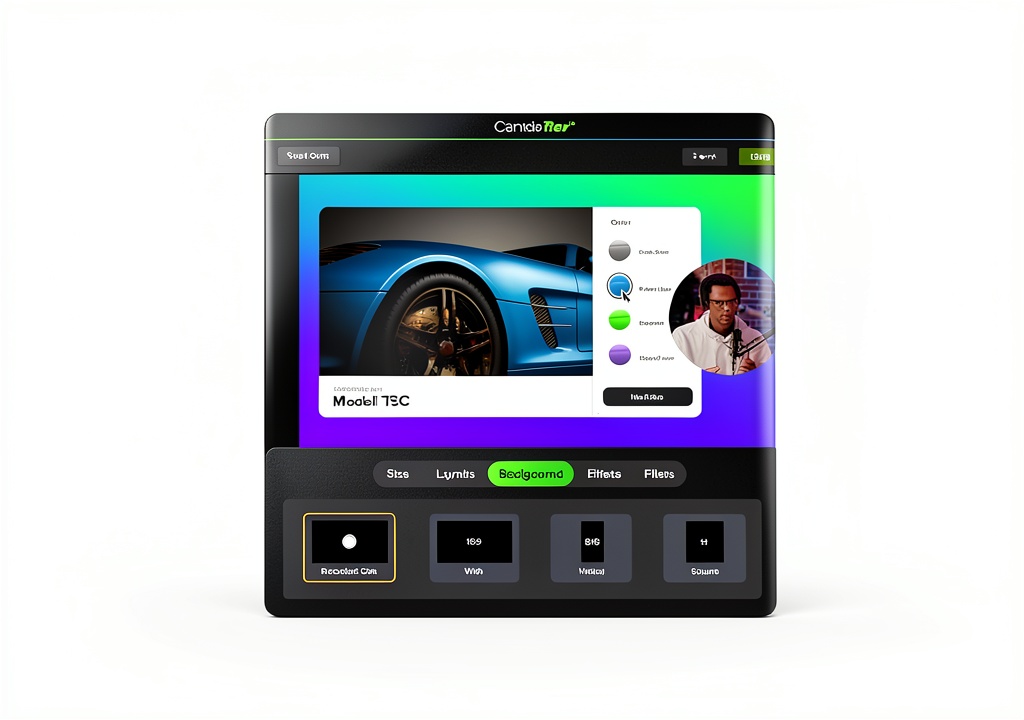
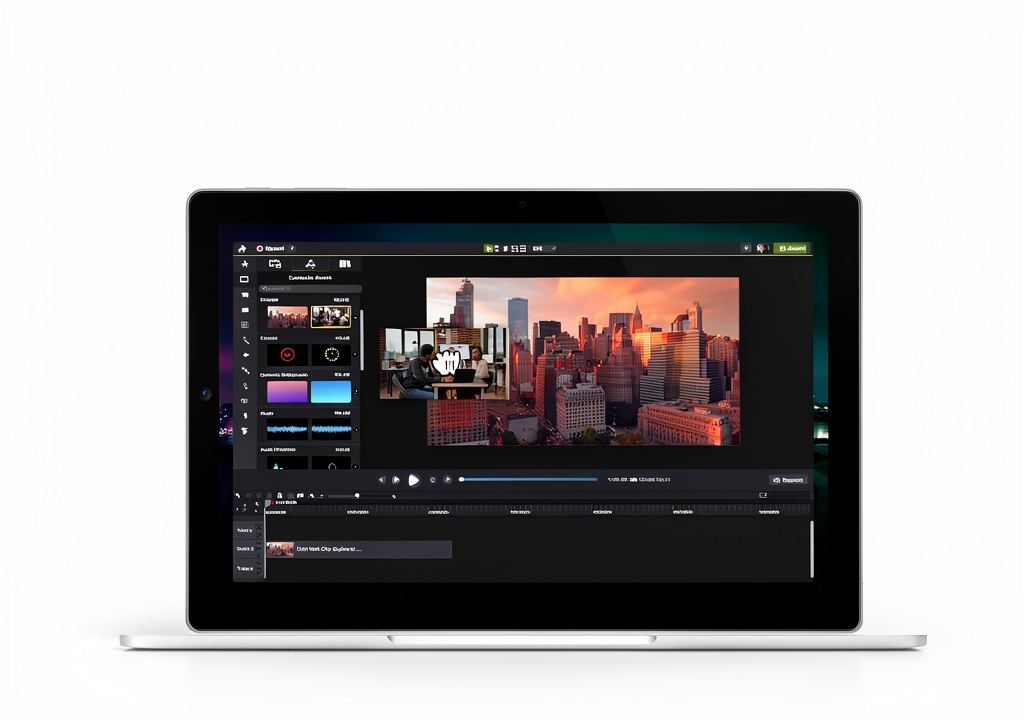
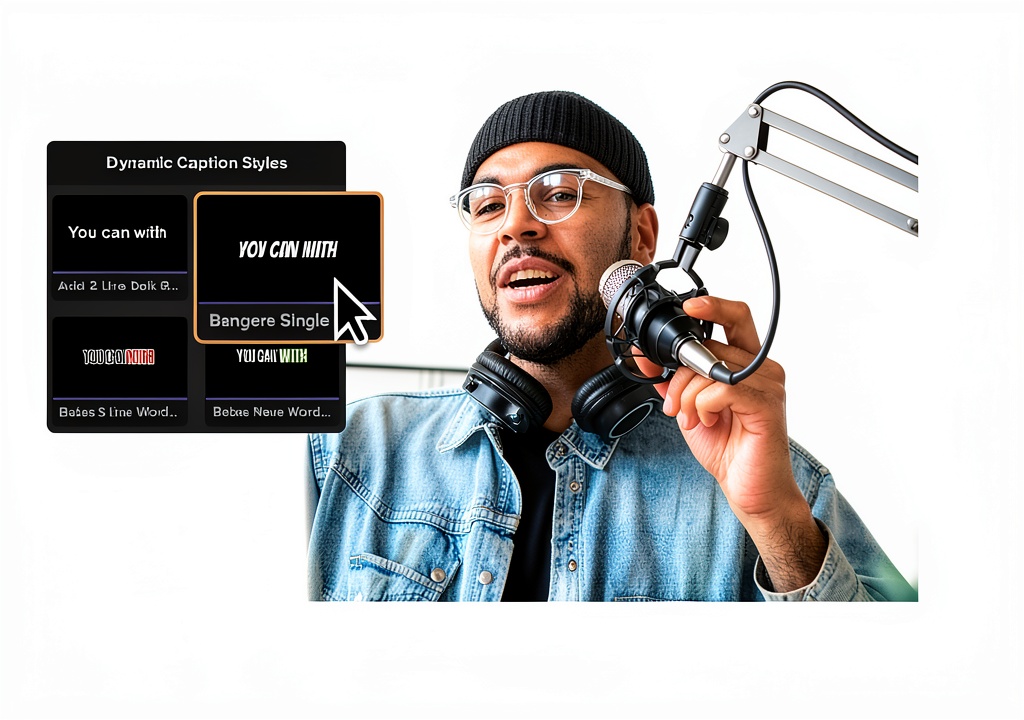
Camtasia, developed by TechSmith, is a comprehensive screen recording and video editing solution designed for creators who need professional results without complex software. The 2024 release introduces Dynamic Captions, a refined Text Stroke effect, and a new recording engine that captures high‑resolution video with minimal performance impact. Camtasia runs on both macOS and Windows, supporting 4K output, multi‑track timelines, and a drag‑and‑drop interface that reduces the learning curve dramatically. Integrated assets include royalty‑free music, transitions, and a growing library of customizable templates, enabling users to produce polished videos for training, marketing, or entertainment.
Usage
Camtasia fits seamlessly into a variety of workflows. Educators record lectures, annotate slides, and embed quizzes directly into videos for blended learning environments. Marketing teams create product demos, explainer videos, and social media snippets that maintain brand consistency. Corporate trainers develop onboarding modules, while influencers produce tutorial content for platforms like YouTube and TikTok. The software’s lightweight recording engine works on standard laptops, making it ideal for remote work, home studios, and on‑site demonstrations.

Why Choose Us
TechSmith’s reputation for reliability and customer support underpins Camtasia’s market position. The product offers a single‑license model with free updates for the year, ensuring users always have access to the latest features such as Dynamic Captions, which automatically generate accurate subtitles, improving accessibility and SEO. Camtasia’s asset library is continuously expanded, and the community forum provides templates, tips, and troubleshooting assistance. Compared with competing editors, Camtasia requires far fewer training hours, delivering a faster time‑to‑value for organizations and individual creators alike.
Key Features
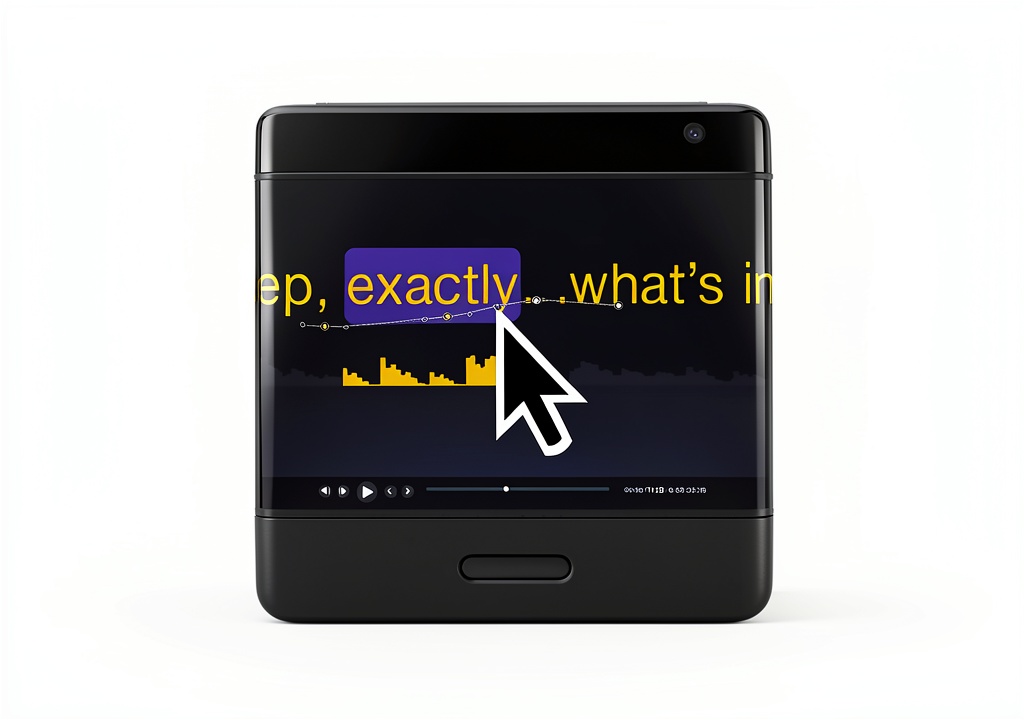
- Dynamic Captions automatically generate subtitles, boosting accessibility and search visibility.
- New Recording Engine captures high‑resolution video with low CPU usage, ideal for older hardware.
- Extensive template library and free assets accelerate production and maintain brand consistency.
- Multi‑track timeline with drag‑and‑drop editing, transitions, and effects for professional polish.
- Cross‑platform support for macOS and Windows, with seamless project sharing between devices.
FAQ
Can Camtasia edit videos recorded on other devices?
Yes, Camtasia imports a wide range of video formats, including MP4, MOV, and AVI, allowing you to edit footage captured with smartphones, cameras, or other screen recorders.
Is there a free trial available?
TechSmith offers a 30‑day free trial with full feature access, so you can evaluate recording quality, editing tools, and the new Dynamic Captions before purchasing.
Does Camtasia support collaborative workflows?
While Camtasia is primarily a single‑user application, projects can be shared via cloud storage services. Team members can open the same project file, make edits, and export final videos, facilitating collaborative production.
What export options are available?
Camtasia exports to MP4, WMV, MOV, GIF, and audio‑only formats. You can also publish directly to YouTube, Vimeo, or Screencast.com, with preset settings for optimal platform performance.
How does Camtasia handle accessibility compliance?
Dynamic Captions provide automatically generated, editable subtitles that meet WCAG guidelines. Users can also add screen‑reader friendly text and adjust contrast settings to ensure videos are accessible to all audiences.



Reviews
There are no reviews yet.